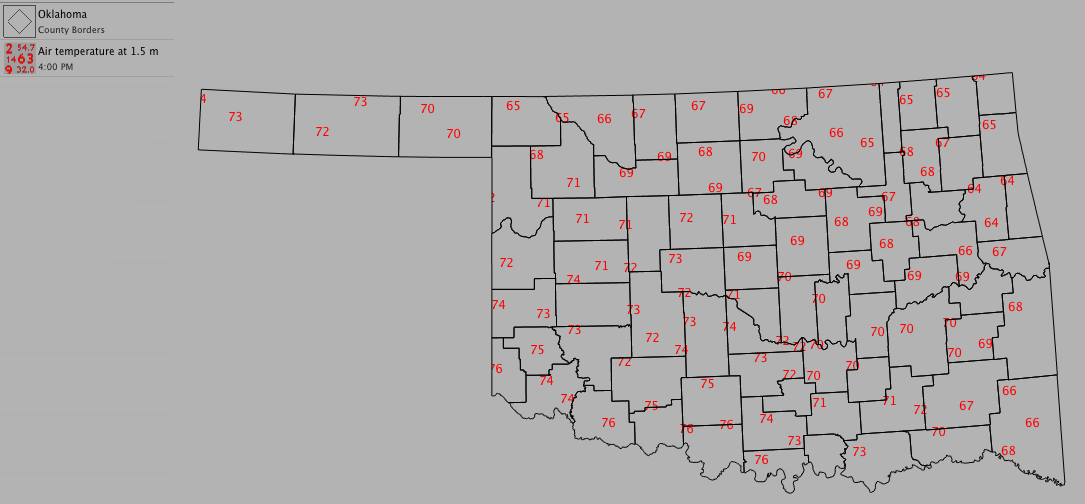
Observations
Each weather station observes several variables. Up to nine variables can be placed on a given weather station and still be easily viewable. The color of each variable can be changed to make viewing easier.
To create a new observation:
- Choose Product > New > Observation...
- Select the data set you want to use from the pop-up menu
- To narrow down the variable list, type a few letters of your chosen variable in the filter
- Select the variable you want to use from the pop-up menu
- Select the units you want to use from the pop-up menu
- Click OK
Optional Settings:
- Change the position of the observation relative to the location of the site
- Change the color of the observation by clicking on the color well
- Change the number of decimal places displayed for each observation value by choosing a precision value from the pop-up menu
- Change the opacity (transparency) of the observation with the slider