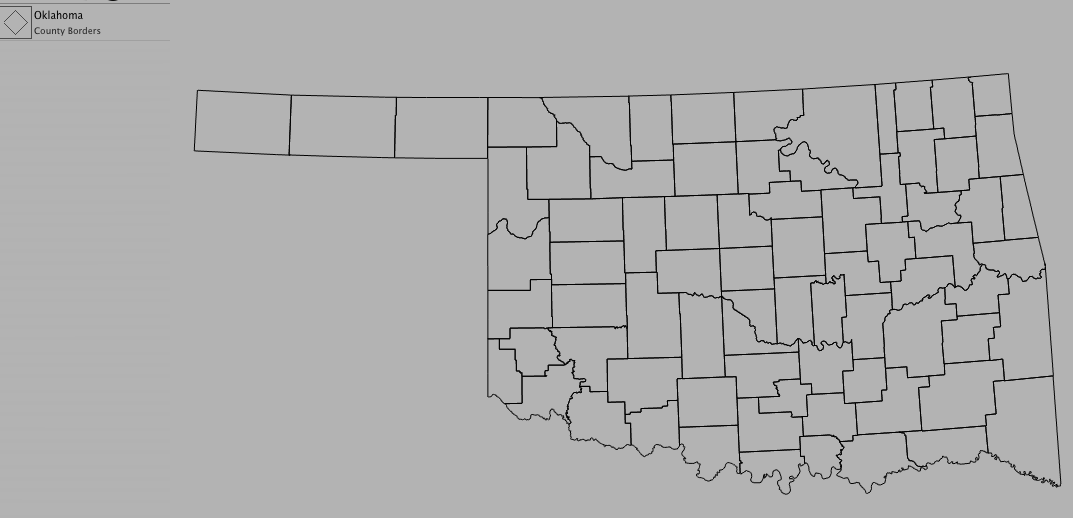
Adding Shapes
Shapes are a collection of points, lines, and/or polygons that describe geographic features on a map. State borders, county lines, and highways are just a few shapes you can add to a map.
To add a shape:
- Choose Product > New > Shape...
- Select the data set you want to use from the pop-up menu
- Select the region you want to use from the pop-up menu
- Select the feature you want to view from the pop-up menu
- Click OK
Optional Settings:
- Change the weight of the lines by clicking on a line width
- Change the color of the shape by clicking on the color well
- Check "Mask Borders" if you want the data to fit the selected shape
Note: Masking clips products that are lower in the legend than the shape. Shapes can only mask if their lines form closed polygons. In the legend, the icon will change from a line to a diamond if the shape is masked.