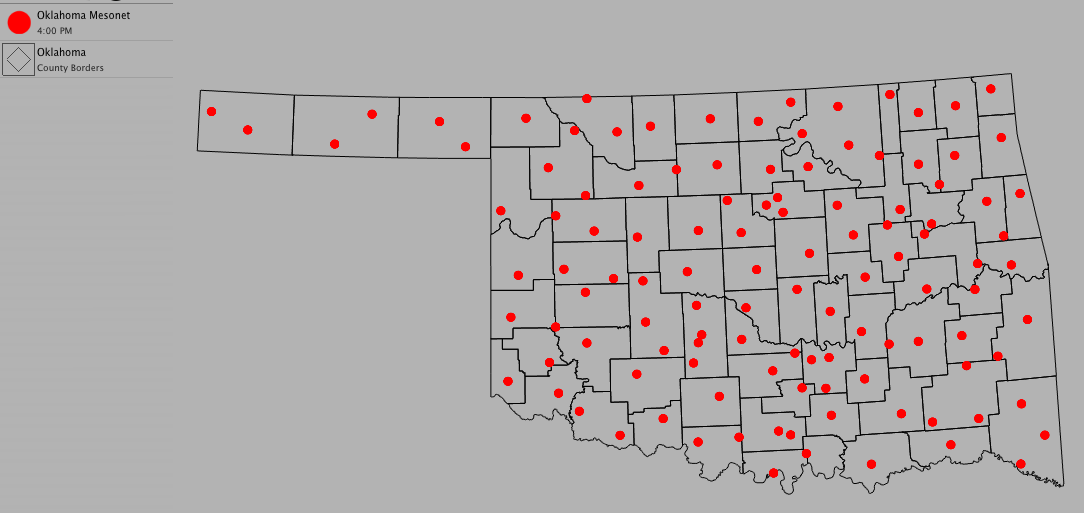
Using Symbols
Symbols are used to represent a station location of a specified data set.
To use symbols:
- Choose Product > New > Symbol...
- Select a data set from the pop-up menu
- Select a symbol to represent the data set
- Click OK
Optional Settings:
- Change the color of the symbol by clicking on the color well
- Change the size of the symbol using the slider