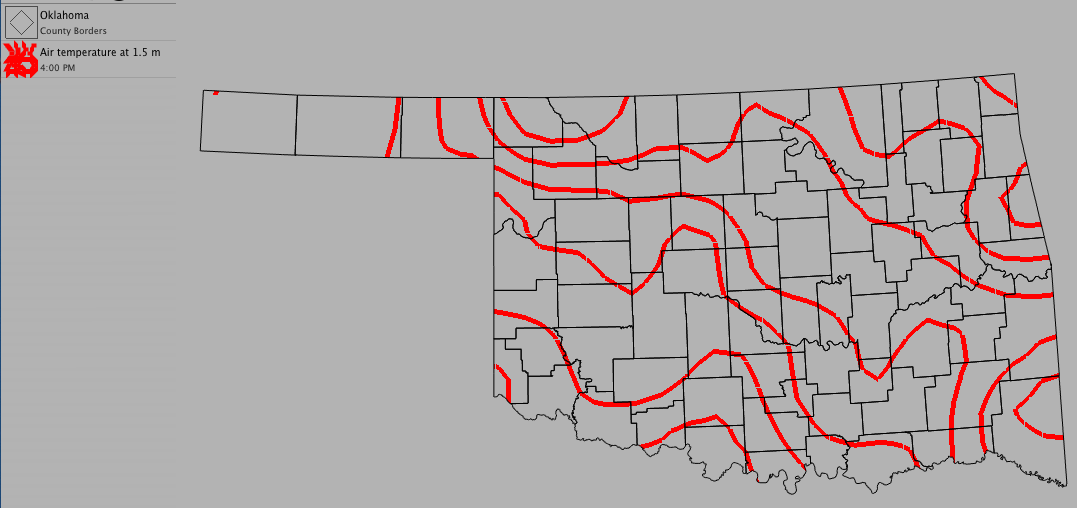
Using Contours
Contours indicate a line that joins equal points that have the same value on a map. Contours are frequently used to show temperature or pressure trends across an area.
To create a new contour:
- Choose Product > New > Contour...
- Select the data set you want to use from the drop-down menu
- To narrow down the variable list, type a few letters of your chosen variable in the filter
- Select the variable you want to use from the drop-down menu
- Select the units you want to use from the drop-down menu
- Click OK
Optional Settings:
- Change the weight of the contour lines by clicking on a line width
- Change the color of the contour by clicking on the color well
- To set specific minimum and maximum contour values and contour interval, uncheck "Auto" and enter the desired values
- To have WeatherScope set minimum and maximum contour values and the contour interval, check "Auto"
- Click "Show Labels" if you want to display the numerical value of each contour line